How to change the color of the taskbar in windows 7
- Right click on the desktop.
- Click on "personalize".
- Click on "Window color"
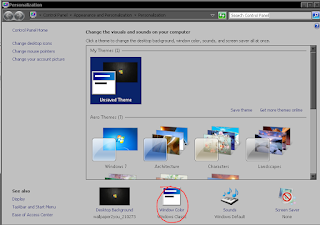
- Click on "OK"

- Click on "color 1"

- Choose the color you want your taskbar to be.
- Click on "Apply"
- Whichever color you choose here will also be the color of your taskbar.


Comments
Post a Comment